
By Anvil N Ink Publishing · Updated October 2026 · 8 min read
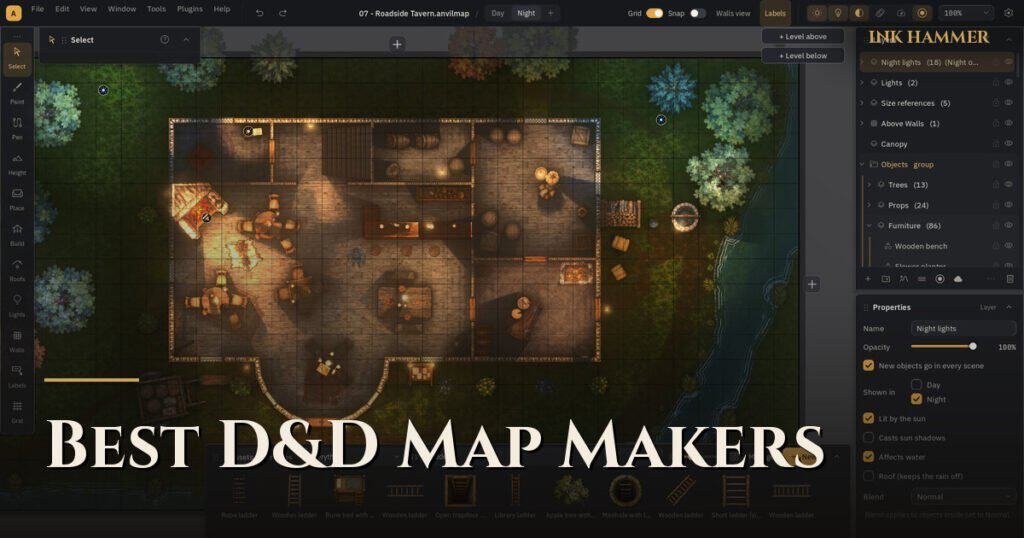
The best D&D map maker depends on what you make and where you play. For quick dungeon sketches, a free browser tool like Dungeon Scrawl is hard to beat. For world and region maps, Inkarnate leads. For detailed battle maps with walls and lighting for a virtual tabletop, a desktop battle map maker such as Dungeondraft, Dungeon Alchemist or our own Ink Hammer gives you the most control.
A disclosure up front: we make Ink Hammer, so we have a stake in this. We have also used most of the tools below to make maps for our own books, and we have tried to be fair about where each one is the better choice. Prices change often, so check each tool’s site before you buy.
What should you look for in a D&D map maker?
Five questions sort most of the options:
- What scale? Battle maps (rooms, fights) or world maps (kingdoms, coasts)?
- Browser or desktop? Browser tools run anywhere; desktop tools are usually faster and work offline.
- Subscription or one-time? Some tools rent, some sell.
- VTT export? Can it export walls, doors and lights, or only a flat image?
- How much art comes with it? A small library means hunting for asset packs.
The main D&D map makers at a glance
| Tool | Best for | Runs in | Pricing model | VTT walls export |
|---|---|---|---|---|
| Inkarnate | World and region maps | Browser | Free tier + subscription | No |
| Dungeon Scrawl | Fast dungeon layouts | Browser | Free + Pro subscription | Yes (Universal VTT) |
| Dungeondraft | Detailed indoor battle maps | Desktop | One-time | Yes |
| Dungeon Alchemist | 3D maps built fast | Desktop (Steam) | One-time | Yes |
| AI generators | A quick picture | Browser | Credits or subscription | Rarely |
| Ink Hammer | Lit indoor and outdoor battle maps | Desktop (Windows) | One-time | Yes (Universal VTT) |
Inkarnate: best for world maps
Inkarnate is the go-to for continent, kingdom and city maps with a painted look, and it runs in the browser with a free tier. It can make battle maps, but that is not where it shines, and it does not export walls for a VTT. If your main need is a world map for your campaign, start here. If you are looking for an Inkarnate alternative for battle maps, read on.
Dungeon Scrawl: best free tool for dungeon layouts
Dungeon Scrawl, now owned by Roll20, makes clean, hand-drawn style dungeons in minutes in your browser. The free version is fully usable, and Pro adds textures, lighting and high-resolution export. It can export Universal VTT files. It is ideal for old-school dungeons; it is less suited to lush outdoor scenes.
Dungeondraft: the long-standing desktop favorite
Dungeondraft is a desktop battle map maker with a large community, lots of third-party asset packs and Universal VTT export. It is a one-time purchase. Its built-in art is fairly small, so many users buy or download extra packs to get the look they want.
Dungeon Alchemist: best for speed in 3D
Dungeon Alchemist builds maps in 3D and furnishes rooms automatically, which makes it very fast for interiors. You give up some fine control and the hand-made look, and the 3D style is distinctive, so it suits some tables better than others.
AI battle map generators: fast, but hard to edit
AI tools turn a text prompt into a map image in seconds. That is great for inspiration or a one-off scene. The catch is that you get a picture, not a map: grids rarely line up, doors are guesses, and there are no walls for your VTT. We break this down in battle map generator vs map maker.
Ink Hammer: lit battle maps with VTT walls built in
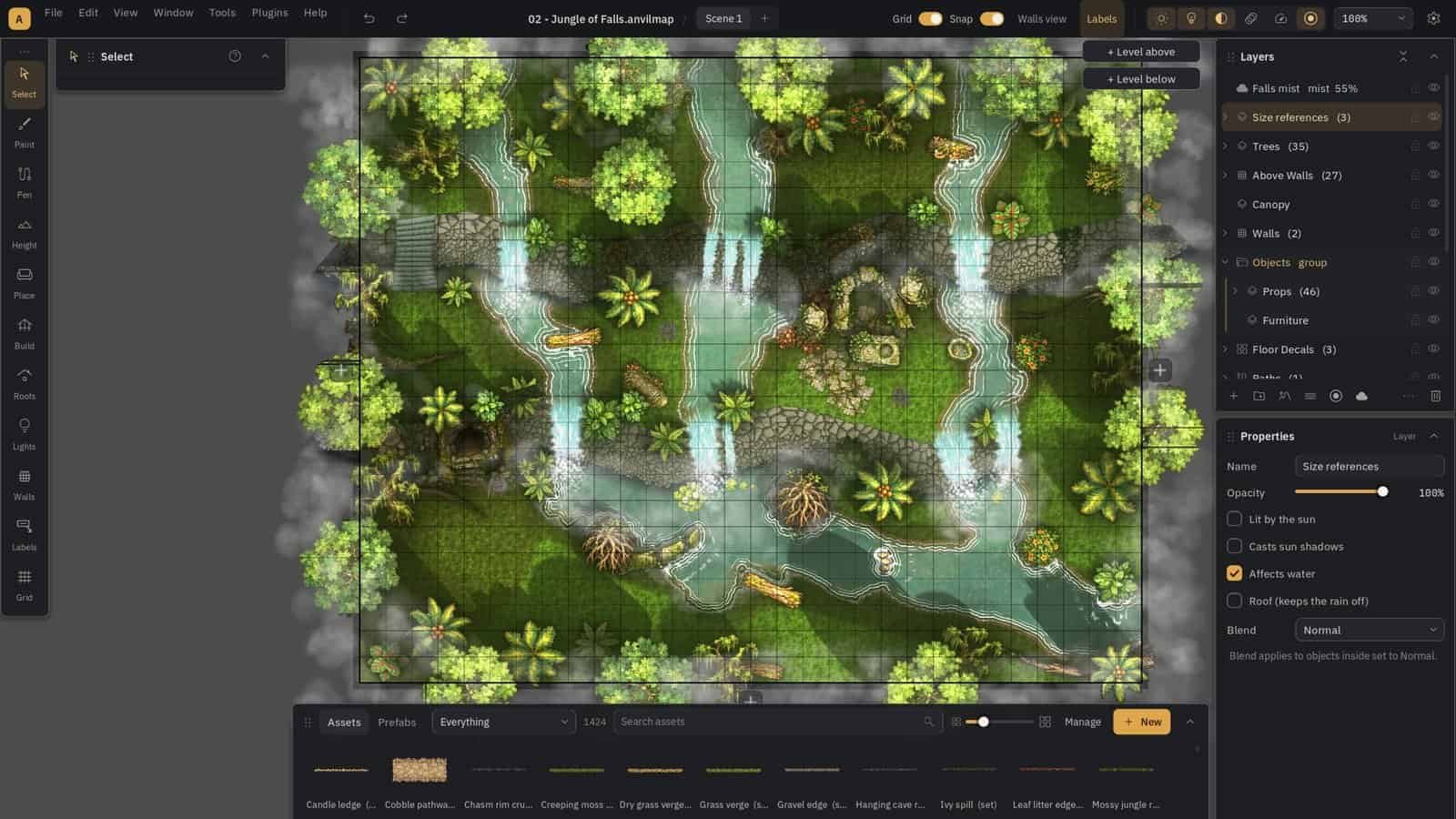
Ink Hammer is the battle map maker we built after hitting the limits of the tools above. It is a Windows desktop app and a one-time purchase.
Where it fits:
- Outdoor maps: water painted by depth, waterfalls that form over cliffs, coasts, rocks and cliffs with real shadows.
- Lighting: torches, braziers and moonlight with shadows that respect the height of walls and props.
- Buildings: draw a room and the walls build themselves; stack floors as linked levels.
- VTT export: Universal VTT files with walls, doors and windows, plus a tool that traces walls for you.
- Art included: about 1,600 assets, and you can import your own.
Where it doesn’t fit yet: it is Windows only, it is in Early Access so you will find bugs, and it has no built-in tutorial yet. If you need Mac support or a mature community of asset packs today, Dungeondraft is the safer pick.
Which D&D map maker should you choose?
- You want a world map: Inkarnate.
- You want a free dungeon tonight: Dungeon Scrawl.
- You want 3D interiors fast: Dungeon Alchemist.
- You want huge community asset packs or a Mac: Dungeondraft.
- You want lit indoor and outdoor battle maps, ready for your VTT, on Windows: Ink Hammer.
Whatever you pick, the craft is the same. Our guide on how to make D&D battle maps covers the steps.
Is there a free D&D map maker?
Yes. Dungeon Scrawl’s free version is the strongest free option for dungeons, and Inkarnate’s free tier covers basic world maps. Free tiers usually limit art, resolution or export, so expect to pay once your maps get serious.
Frequently Asked Questions
What do most DMs use to make battle maps? Among desktop tools, Dungeondraft has the largest community. Many DMs also use Dungeon Scrawl for quick dungeons and Inkarnate for world maps.
Do I need a subscription to make D&D maps? No. Dungeondraft, Dungeon Alchemist and Ink Hammer are one-time purchases, and Dungeon Scrawl has a free version.
Which map maker works best with Roll20 and Foundry VTT? Any tool that exports Universal VTT (.dd2vtt) files, because both can import walls and lights from that format. See VTT-ready battle maps.
Can I sell maps I make? It depends on each tool’s license. With Ink Hammer you can sell or give away the maps you make, including ones that use the included assets; you just can’t redistribute the asset files themselves.