
By Anvil N Ink Publishing · Updated October 2026 · 6 min read
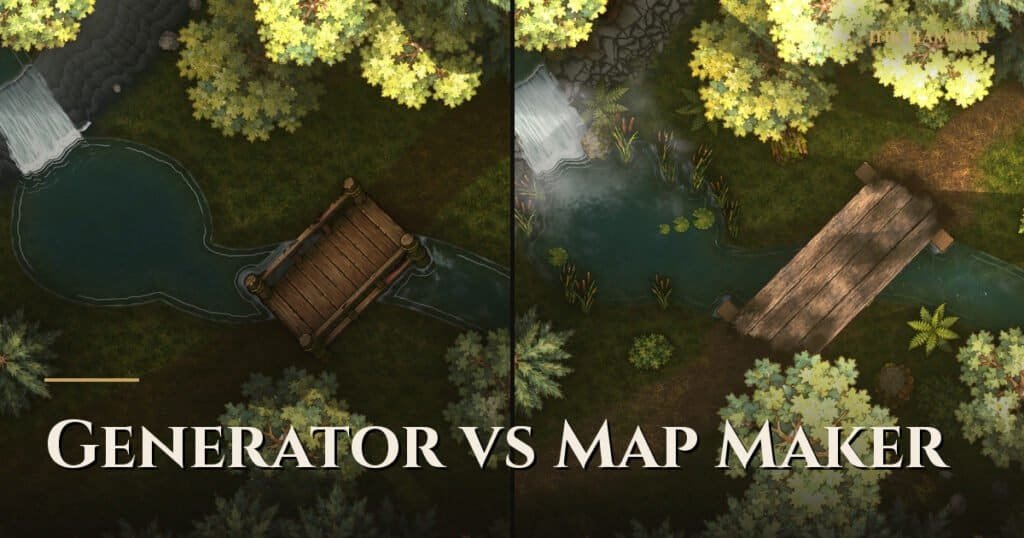
A battle map generator creates a map for you, either randomly or from an AI prompt, in seconds. A battle map maker gives you the tools to build the map yourself. Use a generator when you need a picture fast and won’t reuse it; use a battle map maker when the map has to match your encounter, line up with a grid, and carry walls and lighting into your virtual tabletop.
What is a battle map generator?
There are two kinds:
- Random (procedural) generators build a dungeon or cave layout from rules. Press a button, get a new layout. They are great for filler rooms and improvised dungeons.
- AI generators paint a map image from a text prompt like “ruined temple in a swamp at night”. The results can look impressive at first glance.
What is a battle map maker?
A battle map maker is an editor. You place floors, walls, terrain, props and lights yourself, so every door and every tree is exactly where the encounter needs it. Dungeondraft, Dungeon Scrawl and our own Ink Hammer are battle map makers. We compare them in best D&D map makers.
Generator vs maker: the trade-offs
| AI generator | Random generator | Battle map maker | |
|---|---|---|---|
| Speed to first map | Seconds | Seconds | Minutes to hours |
| Matches your encounter | Loosely | No | Exactly |
| Grid lines up | Often not | Yes | Yes |
| Easy to edit one part | No | Limited | Yes |
| Walls and doors for your VTT | No | Sometimes | Yes, in tools with Universal VTT export |
| Consistent style across a campaign | Hard | Yes | Yes |
Why AI battle maps break down at the table
AI images look good as thumbnails and fall apart under tokens. Common problems:
- Scale drifts. A door might be three squares wide and a table half a square.
- The grid doesn’t fit. Walls land between grid lines, so movement and cover get argued about.
- You can’t fix one thing. Asking for “the same map but with a door on the left” usually gives you a different map.
- No walls for your VTT. You get a flat picture, so dynamic lighting and line of sight have to be drawn by hand.
When a generator is the right call
- You need a random dungeon level for tonight and nobody will see it again.
- You want inspiration: a picture to react to before you build the real thing.
- The scene is theater of the mind with a picture for mood, not a tactical fight.
The middle path: draft fast, then edit
The best of both is a first draft you can fully edit. That is the approach we took with Ink Hammer: you can build by hand, or connect your own AI assistant (we support Claude through the open MCP standard) to rough out a map, then adjust every wall, tree and light yourself. Anything the AI places is a normal, editable piece of the map, and you can undo it.
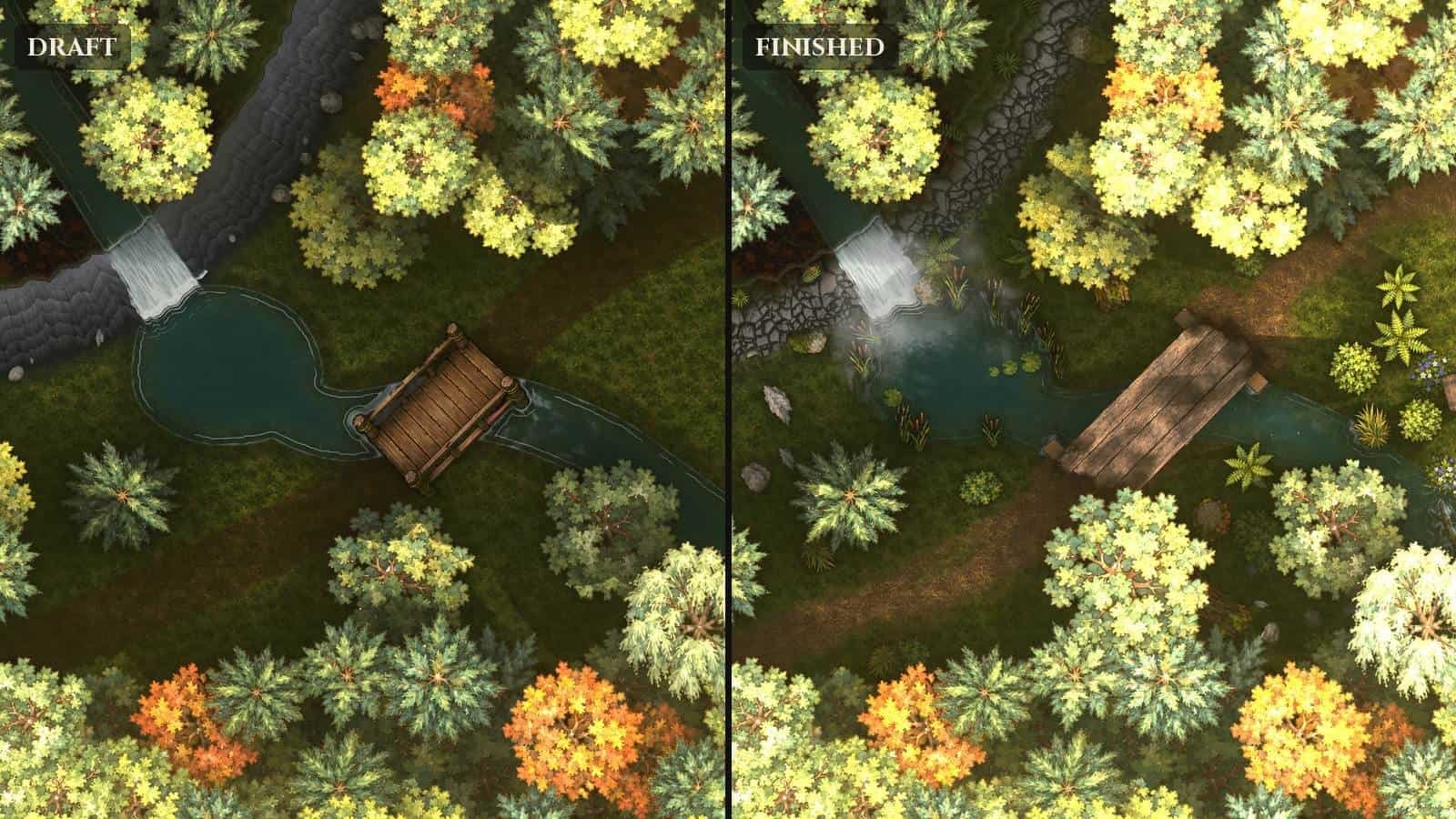
No AI is included and none is required. Every feature works by hand.
Key Takeaways
- Generators are fastest for throwaway maps and inspiration.
- AI maps rarely line up with a grid and carry no VTT walls.
- A battle map maker is slower but gives you exactly the encounter you planned.
- Editable drafts give you speed without losing control.
Frequently Asked Questions
Can AI make D&D battle maps? It can make images that look like battle maps. Making them playable usually takes editing for scale, grid and walls.
Is there a free battle map generator? Yes, several random dungeon generators are free online. They are useful for layouts, less so for finished art.
What is the best battle map maker for beginners? Browser tools like Dungeon Scrawl are easy to start with. For detailed outdoor maps with lighting, see how to make D&D battle maps.