
By Anvil N Ink Publishing · Updated October 2026 · 7 min read
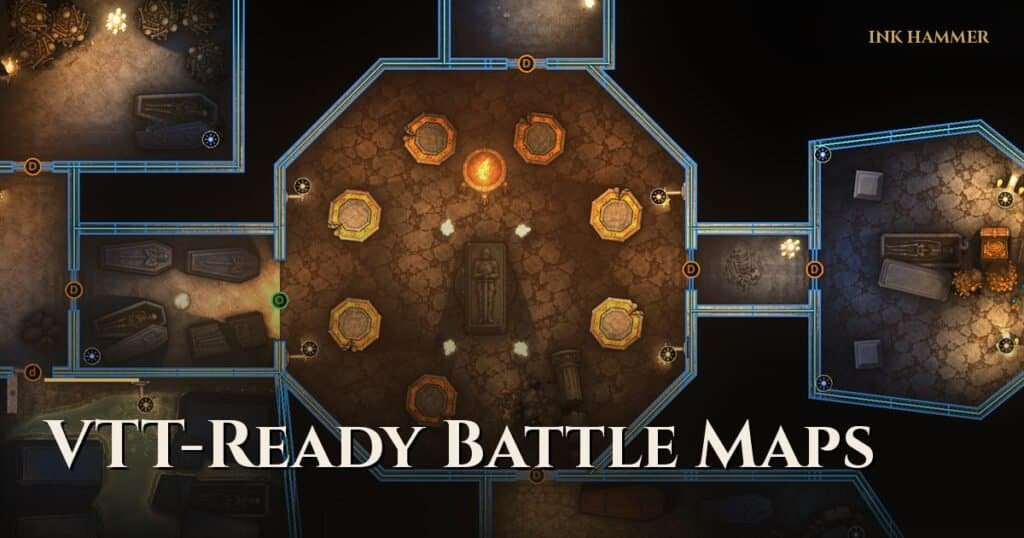
A VTT-ready battle map is more than an image: it carries walls, doors, windows and light sources that your virtual tabletop understands, so dynamic lighting and line of sight work the moment you import it. The easiest way to get there is to export from a battle map maker in the Universal VTT format (.dd2vtt), which Foundry VTT and many other tabletops can import.
Image map vs VTT-ready map
| Plain image (JPG, PNG, WebP) | Universal VTT file (.dd2vtt) | |
|---|---|---|
| Contains | Pixels only | Image + grid size + walls + doors + windows + lights |
| Setup in your VTT | Align grid, draw every wall by hand | Import and play |
| Dynamic lighting | Only after you draw walls | Works on import |
| Works for print | Yes | Export an image too |
What is the Universal VTT format?
Universal VTT is a simple, open file format (usually with a .dd2vtt or .uvtt extension) that bundles a map image with its grid resolution and the positions of walls, doors, windows and lights. It started with map makers like Dungeondraft and is now supported by many tools. Foundry VTT can import it with a free community module, and other tabletops read it directly or through importers.
Step 1: Build the walls as part of the map
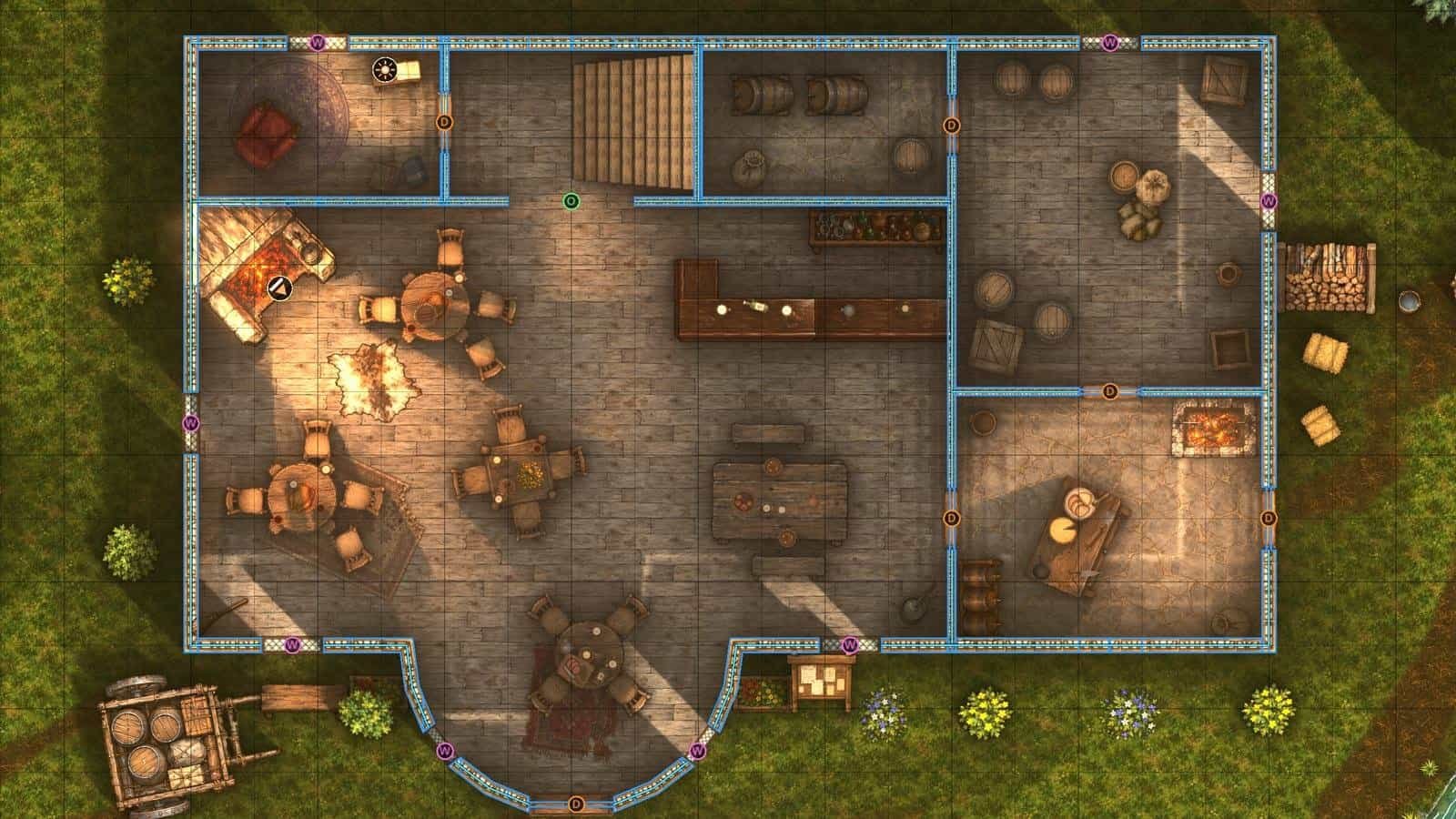
The biggest time sink in VTT prep is drawing walls by hand after the fact. Avoid it by using a battle map maker that knows what a wall is. In Ink Hammer, rooms create walls as you draw them, and doors, windows, secret doors and portcullises snap into walls and cut their own openings. The Walls view shows exactly what your tabletop will get.
Step 2: Add walls for outdoor features
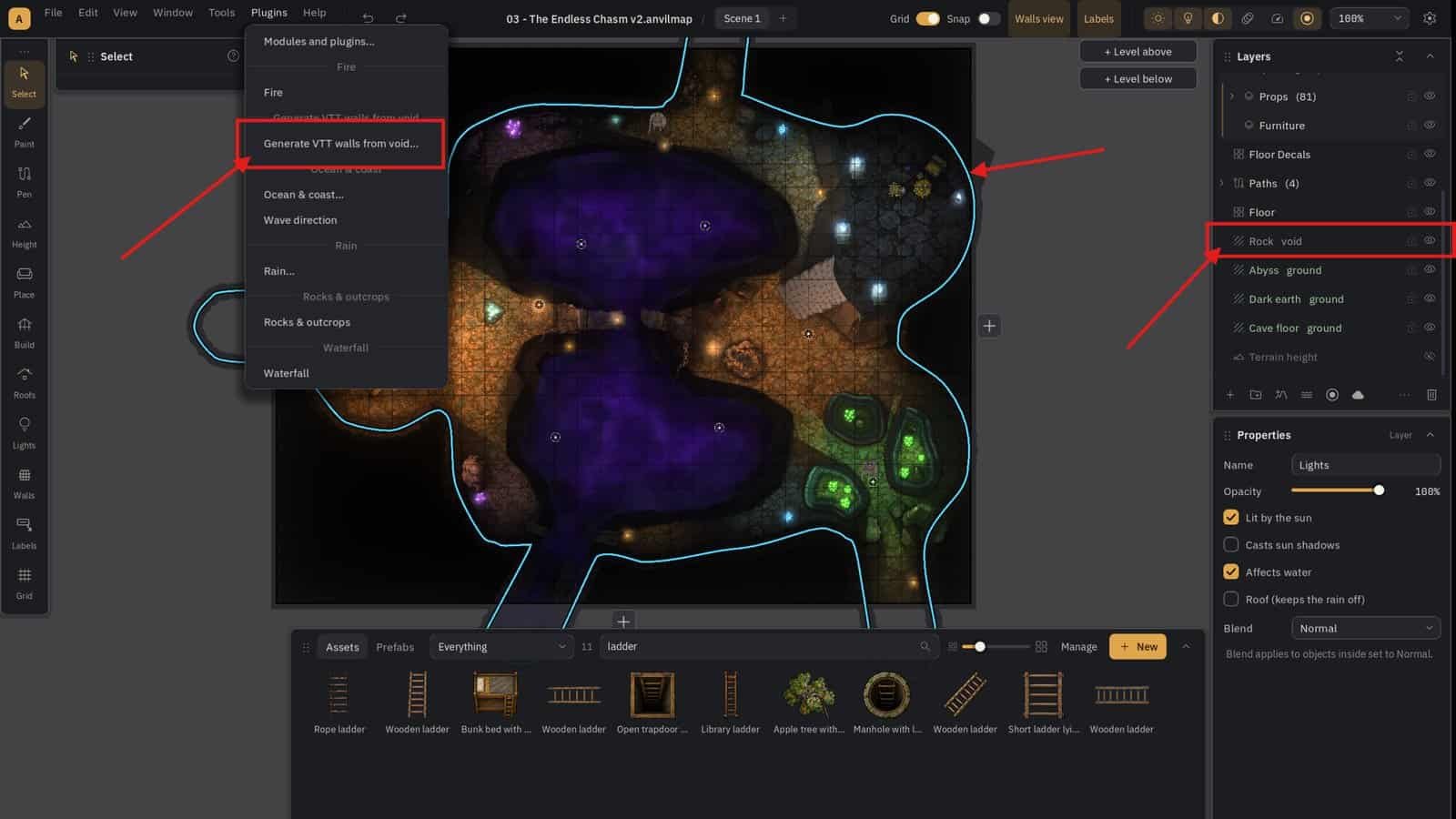
Outdoor maps need walls too: cliff edges, rock outcrops, thick hedges and building ruins all block sight. Tracing them by hand is tedious, so Ink Hammer can trace VTT walls around a selected area automatically, and you fine-tune any segment afterwards.
Step 3: Place real light sources
Put lights where they would really be: torches by doors, a hearth, braziers, a campfire. A Universal VTT export carries those lights, so the scene is lit the same way in your VTT as in your editor.
Step 4: Check for problems before you export
Small mistakes cause big headaches online: a gap in a wall lets players see through it; a door that isn’t on a wall won’t open properly. Ink Hammer runs a warnings report before export that flags wall gaps and doors off walls.
Step 5: Export and import
- Foundry VTT: import the .dd2vtt file with a Universal VTT importer module. Walls, doors and lights appear on the scene.
- Roll20: upload the image and set the grid to match. Roll20’s own Dungeon Scrawl integration and third-party importers can bring in walls; otherwise draw them on the Dynamic Lighting layer.
- Other VTTs: check whether they import Universal VTT; many do.
Ink Hammer also exports a Roll20-sized JPG and gridded or gridless WebP images. For grid numbers, see battle map grid size and scale.
Common VTT map mistakes
- Wrong grid size. The map grid and the VTT grid drift apart over a large map.
- Walls that don’t meet. Tiny gaps leak vision.
- Doors drawn as art only. Players can’t open what the VTT doesn’t know is a door.
- Too many light sources. Heavy lighting can slow some VTTs down; use what the scene needs.
Frequently Asked Questions
Does Roll20 support Universal VTT files? Not natively for every account type; many Roll20 users import walls with third-party tools or draw them by hand. Check Roll20’s current documentation.
What grid size does Foundry VTT use? Foundry’s default is 100 pixels per grid square, but a Universal VTT file tells Foundry its own grid size on import.
Can I make VTT maps for free? Dungeon Scrawl’s free version can export Universal VTT. Paid tools add art, lighting and finer control. See best D&D map makers and our full guide to making D&D battle maps.