
By Anvil N Ink Publishing · Updated October 2026 · 9 min read
To make a D&D battle map, pick a map maker, set a grid where one square equals five feet, block out the walls and open ground first, then add terrain, props and lighting, and finish by exporting a gridded image or a VTT file with walls and doors. The order matters more than the software: build the space players will fight in before you decorate it.
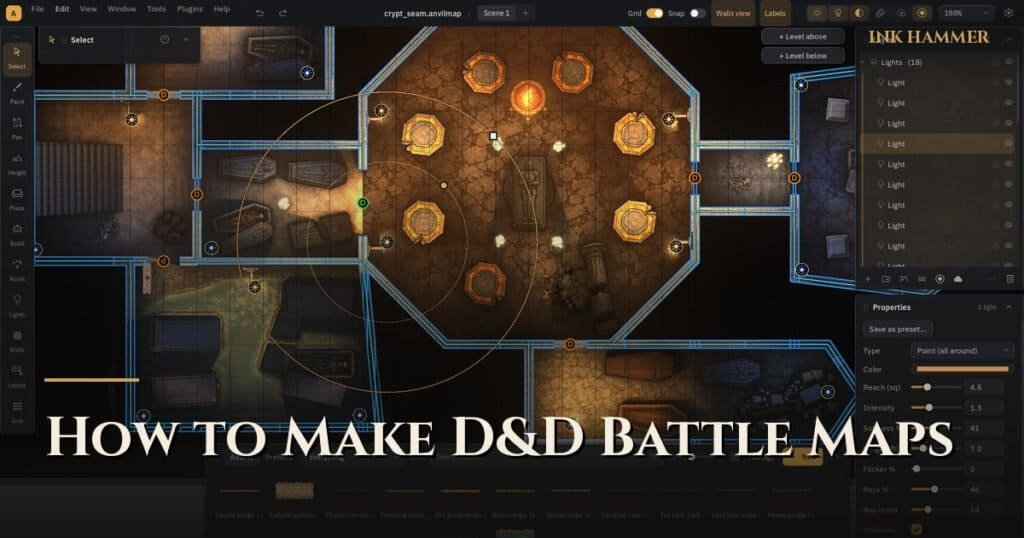
We publish a lot of adventures, and every one of them needs maps. For years we bounced between tools that almost did what we wanted, then built our own battle map maker, Ink Hammer. This guide is what we learned along the way. It works with any tool, and we point out where a dedicated battle map maker saves you time.
What is a battle map?
A battle map is a top-down map of a single location, drawn at a scale where tokens or miniatures can move across it during combat. In D&D 5e it is almost always laid over a grid of five-foot squares, so a player can count movement, measure spell areas and see who has cover.
A battle map is different from a world or region map. A region map shows kingdoms and roads; a battle map shows the tavern, the tables, the bar and the door the bandits just kicked in. If you want to see the difference in practice, the four sample maps that ship with Ink Hammer are all battle maps: a two-floor roadside tavern, a jungle with waterfalls, a bottomless chasm and a shipwreck on a beach.
What do you need to make D&D battle maps?
You need three things: a map maker, a library of art (floors, walls, props, terrain), and a clear idea of the encounter the map is for. Hand-drawn maps on graph paper still work, and plenty of tables love them, but digital tools win the moment you play online or want to reuse a map.
| Approach | Best for | Trade-off |
|---|---|---|
| Graph paper or wet-erase mat | In-person, improvised fights | Can’t reuse or share online |
| Browser map maker | Quick maps on any computer | Often a subscription for full features |
| AI battle map generator | A fast picture to react to | Hard to edit; no walls for your VTT |
| Desktop battle map maker | Detailed, reusable, VTT-ready maps | A download and a learning curve |
We compare the main options in our guide to the best D&D map makers, and look at AI tools separately in battle map generator vs map maker.
Step 1: Start from the encounter, not the art
Before you place a single tree, write one line about the fight: who is here, what do they want, and what makes this place interesting to fight in. “Goblins ambush the party at a river crossing” tells you the map needs a river, a crossing, cover on the far bank and somewhere to retreat to.
Good battle maps give players choices. Aim for at least two routes through the space, some cover, some difficult terrain and one feature worth fighting over: a bridge, an altar, a lever, a high ledge.
Step 2: Set the grid and the size
Use five-foot squares and size the map to the fight. A small skirmish works on 20 by 20 squares; a big set piece might need 40 by 30. Bigger is not better: empty space slows combat and makes maps harder to read.
If you play online, set the grid to the pixels per square your virtual tabletop expects. We cover the numbers for Roll20 and Foundry VTT in our guide to battle map grid size and scale.
Step 3: Block out walls and open ground
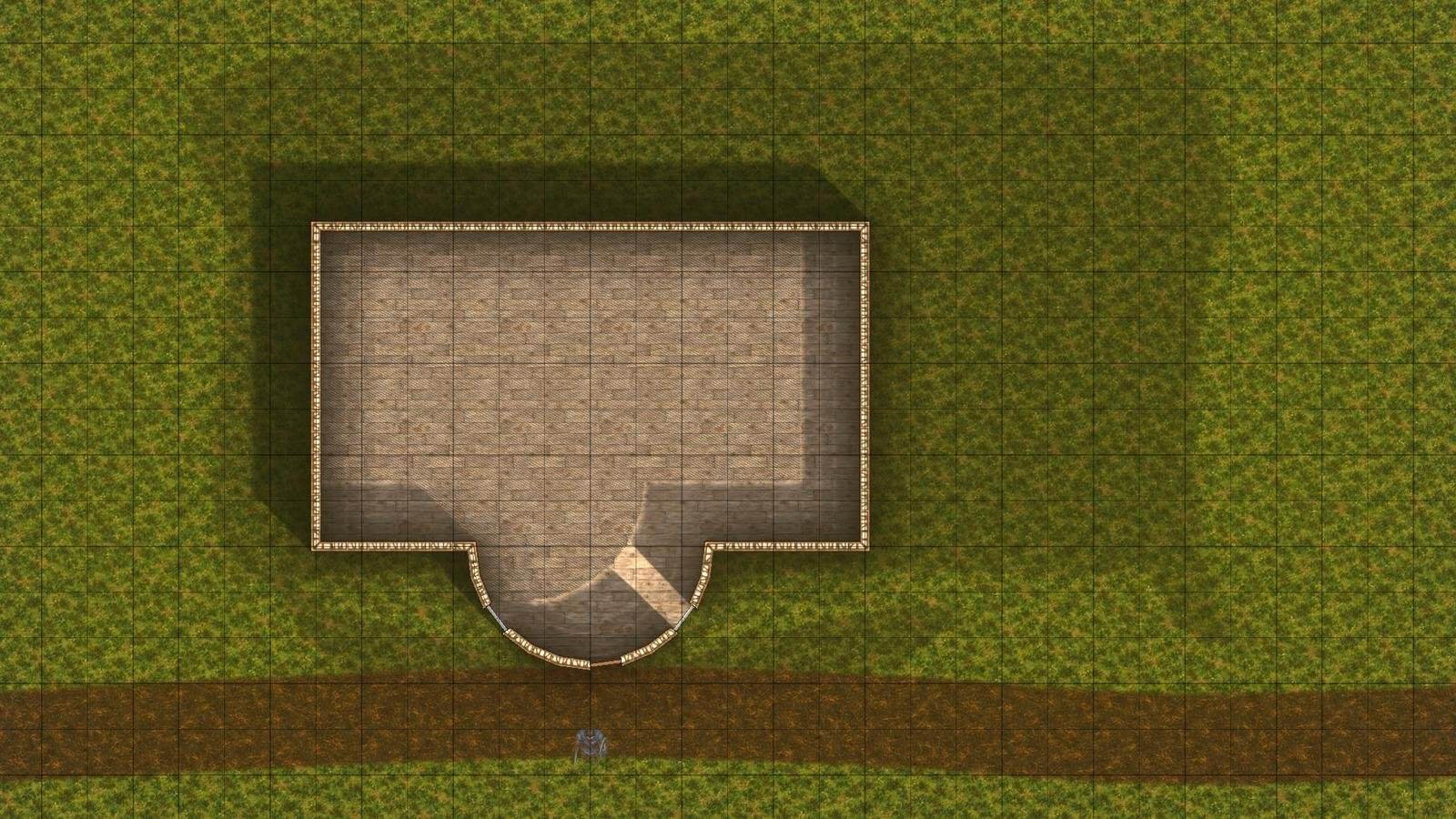
Lay down the floor and the walls before anything else. In a building that means rooms, doors and windows; outdoors it means paths, water, cliffs and the edges of thick vegetation. This is the skeleton of the encounter, and it is also what your VTT will use for line of sight later.
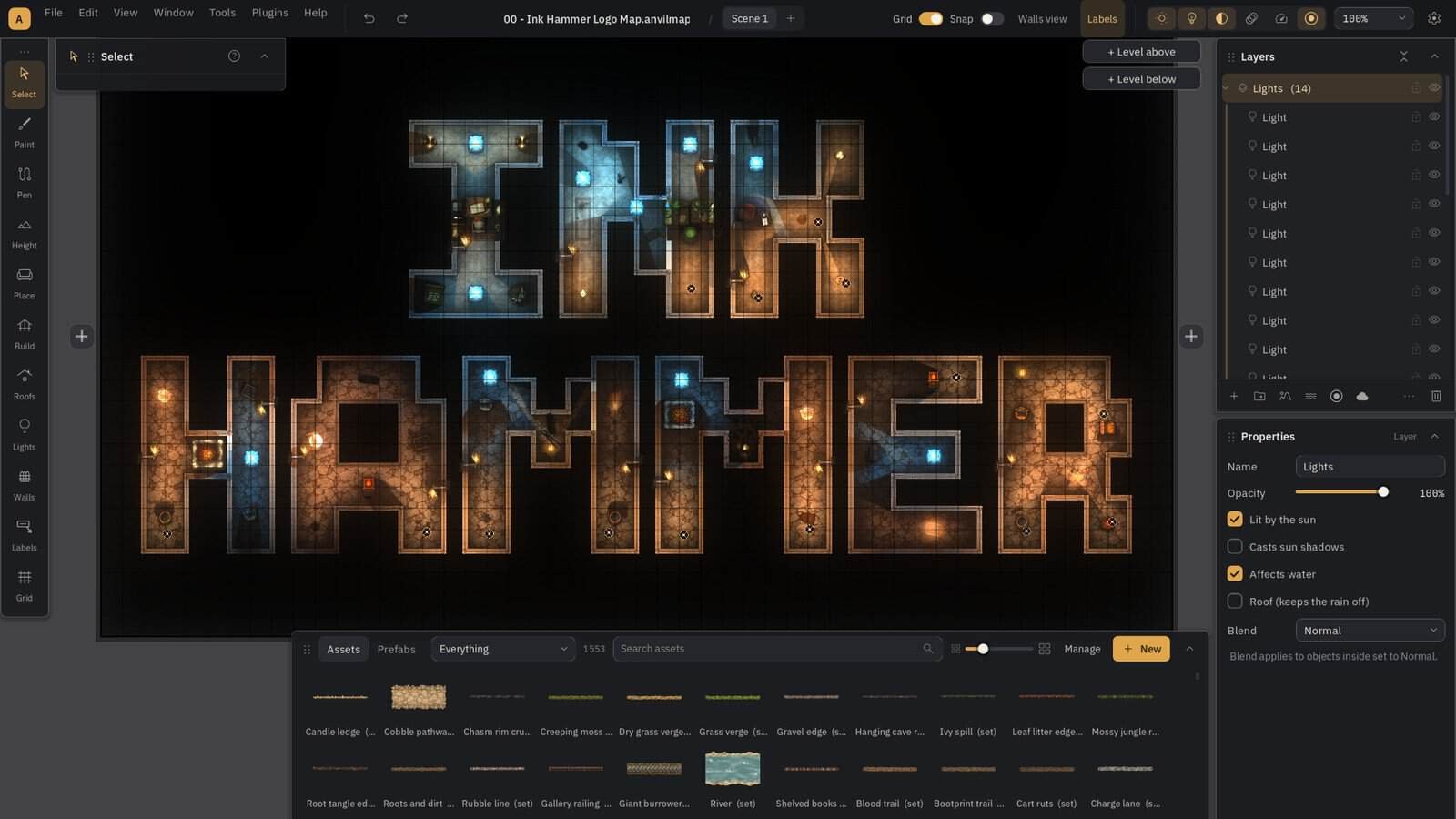
In Ink Hammer you draw a room and the walls, floor and ink lines build themselves. Doors and windows snap into walls and cut their own openings, which saves a lot of fiddly cleanup.
Step 4: Add terrain and water
Now paint the ground: grass, dirt, stone, sand. Add elevation where it matters, like a hill, a pit or a cliff, because height changes tactics. Water is the single best feature for making an outdoor map interesting: a stream, a pond or a waterfall gives players something to cross, avoid or use.
Ink Hammer paints water by depth so it flows around rocks with foam at the edges, and its waterfall plugin forms falls where water meets a cliff. Our forest battle map guide walks through an outdoor map from blank to finished.
Step 5: Dress the scene with props
Props tell the story of the place: barrels in a storeroom, a cart by the gate, bones near a lair. Place them in clusters, not evenly, and leave clear lanes for movement. A good rule is that every prop should either be cover, an obstacle, or a clue.
If you build the same thing often (a market stall, a campsite, a loaded cart) save it as a group you can reuse. Ink Hammer calls these prefabs.
Step 6: Light the map
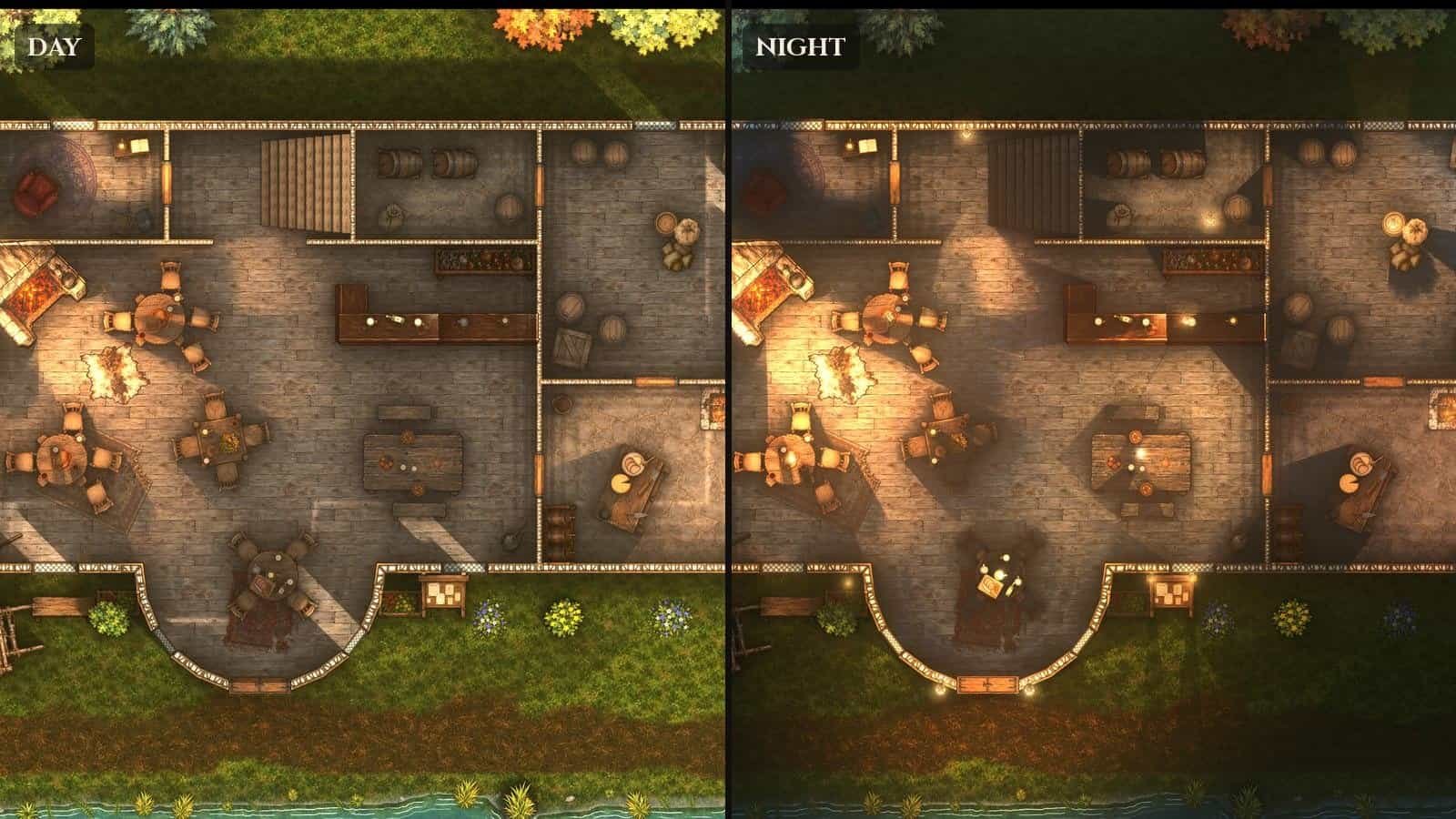
Lighting turns a flat map into a scene. Pick a time of day, place light sources where they would really be (torches by doors, a fire in the hearth, moonlight through a window) and let the shadows fall. Dark corners are tactical too: they hide stealthy enemies and make players nervous.
Make a night version as well if your adventure might need it. In Ink Hammer a scene can hold a day and a night version of the same map.
Step 7: Export for the table or your VTT
For in-person play, export a gridded image and print it or show it on a screen. For online play you have two choices:
- An image (JPG, PNG or WebP) that you upload and line up with the VTT’s grid. Simple, but you draw walls by hand inside the VTT.
- A Universal VTT file (.dd2vtt) that carries the image plus walls, doors, windows and lights. Your VTT reads them on import, so dynamic lighting works immediately.
We go deeper on this in how to make VTT-ready battle maps.
What makes a battle map good at the table?
- Readable at a glance. Players should see walls, doors and hazards without asking.
- More than one route. Choices make fights tactical.
- Cover and elevation. Places to hide and places to climb.
- One standout feature. Something worth fighting over or around.
- The right size. Big enough to move, small enough that nobody spends three turns walking.
Battle map ideas to start with
Not sure what to build first? These locations come up in almost every campaign, and each guide covers what to include and encounter ideas:
- Tavern battle map: the classic bar fight
- Forest battle map: ambushes and chases
- Ship battle map: boarding actions at sea
- Beach battle map: landings, wrecks and smugglers
- Dungeon maps: corridors, chambers and traps
Key Takeaways
- Start from the encounter: who is fighting, where, and why this place is interesting.
- Use five-foot squares and keep the map as small as the fight allows.
- Build in this order: walls and open ground, terrain and water, props, then light.
- Give players choices: multiple routes, cover, elevation and one standout feature.
- Export a Universal VTT file if you play online, so walls and lighting come along.
Frequently Asked Questions
What is the best D&D map maker? It depends on how you play. Browser tools are quickest to start, desktop tools give more control, and AI generators give a fast picture but little editing. We compare them in our guide to the best D&D map makers.
How big should a D&D battle map be? Most encounters fit on 20 by 20 to 30 by 30 squares at five feet per square. Go bigger only for chases, sieges or maps with several areas.
Can I make battle maps for free? Yes. Graph paper is free, and several browser tools have free tiers. Paid tools mainly buy you more art, better lighting and VTT export.
How long does it take to make a battle map? A simple room takes minutes once you know your tool. A detailed outdoor map with water and lighting takes an hour or two. Reusable groups of props cut that down a lot.
About Anvil N Ink Publishing
Anvil N Ink Publishing makes zero-prep 5e adventures for small groups, and we make our own battle maps for every book. Ink Hammer is the battle map maker we built to do it: a Windows desktop app with about 1,600 assets, real lighting, water and waterfalls, and Universal VTT export. It is in Early Access now, and you can talk maps with us on our Discord.